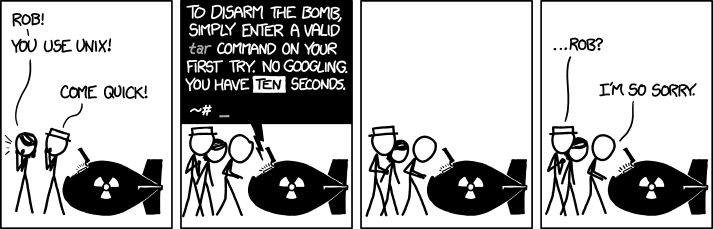

img title=“I don’t know what’s worse–the fact that after 15 years of using tar I still can’t keep the flags straight, or that after 15 years of technological advancement I’m still mucking with tar flags that were 15 years old when I started.”
tar xzvf file.tar.gzI got it memorized after installing gentoo over and over again from stage 3 back in 2005A little trick I learned on here was to imagine yourself as a little evil man saying “Extract ze files!” in a German accent. Extract ze files >>> xzf.
Normally I would say view the man page (as a command). Though for some reason when making the thinnest distro possible, the OS team at my job got rid of man.
Wtf man.
man wtf
Wouldn’t tar --help suffice? Afaik, it returns exit code 0.
I know this is a meme, but I actually find
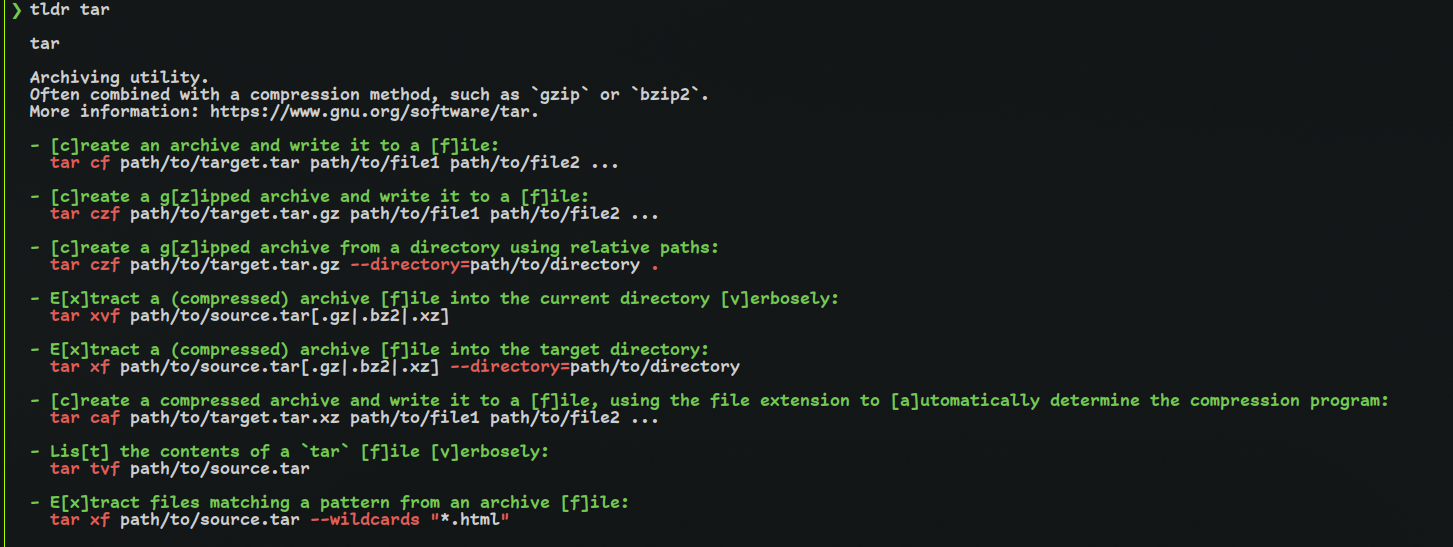
tarfairly easy to remember.tar -xf $archiveis extract filetar -czf $archive dir/is create zipped (compressed) file and the positional arguments are the files to add to the archive.And this is 99% of my usage. You can skip
-f $archiveto use stdin/stdout or use-Cto change directory (weird name but logically tar always extracts to the current directory). There is also a flag to list which I always forget and lookup each time, but I list much less often.-vis useful for verbose.Overall there are much harder commands to remember.
findalways gets me if I go beyond-name.ps,treeandls(beyond-Al) always get me to open the man page.There is also a flag to list which I always forget and lookup each time
That would be
-t, which I tend to remember as “test”, as in testing to see what is inside the archive!tealdeer is a great program to have installed for easily getting a breakdown of the flags of pretty much any CLI app that at least I can ever think of!